
The best schema plugins for WordPress help you express the page clearly to search engines without turning the site into a structured-data mess.
Many site owners still layer schema from themes, SEO plugins, and separate add-ons until nobody is sure what is actually being output. A cleaner stack usually wins.
How we evaluated these options
We focused on honest markup, low overlap, and whether the plugin keeps the technical stack easier to maintain.
- How well the plugin supports the schema types you genuinely need.
- Whether it overlaps with your existing SEO stack.
- How easy it is to maintain as templates and post types evolve.
- Whether the setup encourages accurate markup instead of cosmetic markup abuse.
Top picks at a glance
| Tool | Best for | Strength | Watch out for |
|---|---|---|---|
| Schema Pro | Sites that treat schema as a dedicated job | Focused structured-data control | Make sure it complements rather than duplicates your SEO plugin output |
| Rank Math | Users already committed to Rank Math | Convenient schema plus SEO controls in one place | Avoid adding extra schema plugins on top of it |
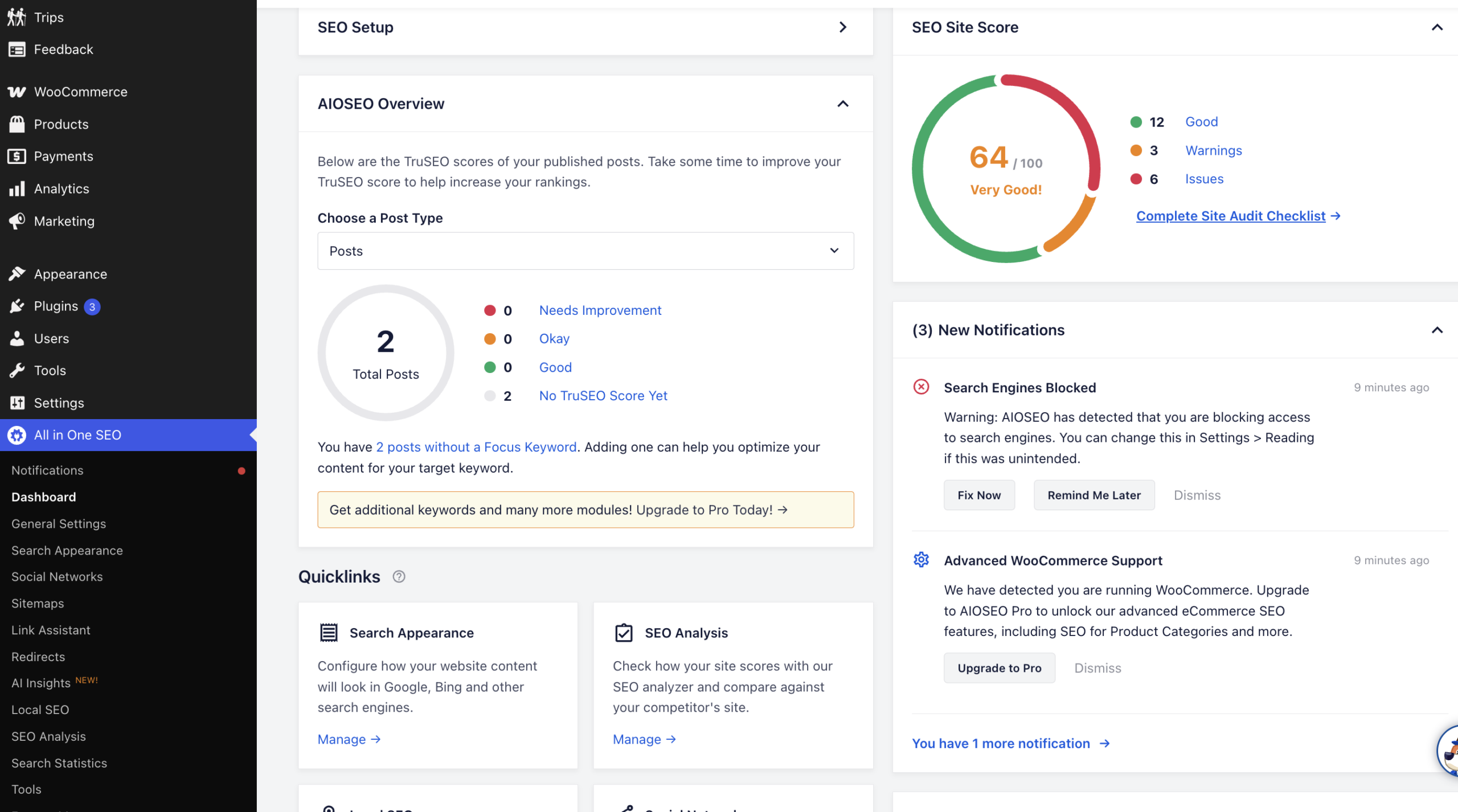
| All in One SEO | Broader business and content sites | Useful schema support inside a larger SEO suite | Review which markup you truly need before enabling more |
| SEOPress | Lean technical setups | Cleaner control for custom or developer-led stacks | Requires more confidence in your technical choices |
Detailed recommendations
Schema Pro
Schema Pro is attractive when structured data is not just a checkbox for you. If your site uses several content templates and you want dedicated schema control, a focused plugin can be the cleaner choice.
- Best for: Sites that treat schema as a dedicated job
- Main strength: Focused structured-data control
- Watch out for: Make sure it complements rather than duplicates your SEO plugin output
Rank Math
Rank Math can be a strong schema solution if you are already using it as the heart of your SEO stack. In that case, keeping schema inside one system is often simpler than adding more plugins.
- Best for: Users already committed to Rank Math
- Main strength: Convenient schema plus SEO controls in one place
- Watch out for: Avoid adding extra schema plugins on top of it
All in One SEO
All in One SEO is practical when your site is not only a blog. If you also manage service pages, local pages, and commercial content, a broader suite can keep the setup unified.
- Best for: Broader business and content sites
- Main strength: Useful schema support inside a larger SEO suite
- Watch out for: Review which markup you truly need before enabling more
SEOPress
SEOPress appeals to users who value a leaner WordPress stack and cleaner control over what is active. That can make it compelling on custom sites.
- Best for: Lean technical setups
- Main strength: Cleaner control for custom or developer-led stacks
- Watch out for: Requires more confidence in your technical choices
Best fit by situation
- Pick Schema Pro if schema is important enough to deserve dedicated tooling.
- Pick Rank Math if it is already your main SEO system.
- Pick All in One SEO if your site mixes content and business pages in one suite.
- Pick SEOPress if you want a leaner, more deliberate technical setup.
Common mistakes
- Stacking multiple schema sources and creating duplicate markup.
- Adding schema types that do not genuinely match the page content.
- Assuming structured data can compensate for weak page quality.
- Never checking live output after a theme or plugin change.
Final recommendation
The cleanest schema setup usually wins. One deliberate source of markup that matches the page honestly is more useful than a crowded stack chasing every rich result at once.
Related reading on WPThemeLabs
Use these posts to strengthen the rest of the technical and on-page signals around your schema setup.
- WordPress SEO Checklist: 15 Essential Steps for Beginners (2026)
- How to Rank in AI Search: A Practical Playbook
- WordPress Plugin Compatibility Check: Theme Conflicts & Version Testing (2026)
Frequently Asked Questions
Do all WordPress sites need a separate schema plugin?
No. Many sites are better served by one capable SEO plugin if it already covers the markup they need.
Can too much schema hurt SEO?
Overlapping or inaccurate schema can create technical confusion and maintenance issues, which is why clarity matters more than quantity.
What is the safest schema strategy for a content site?
Use one clear source of truth, match markup to the page honestly, and review the live output after changes.