WordPress SEO Checklist: 15 Essential Steps for Beginners (2026)
The complete WordPress SEO checklist for beginners. 15 essential steps covering setup, on-page SEO, technical optimization, and tracking to start ranking your WordPress site in 2026.

If you are new to WordPress SEO, focus on the basics that move real rankings. This checklist is designed for small sites that want steady growth without noise.
Pick one post per week and apply this checklist to it. Consistency beats one big overhaul.
What this checklist covers
- The setup steps that make your site indexable
- A simple content workflow that matches search intent
- On-page basics that help Google understand the page
- Technical checks that prevent hidden SEO problems
Example screenshot (illustration)
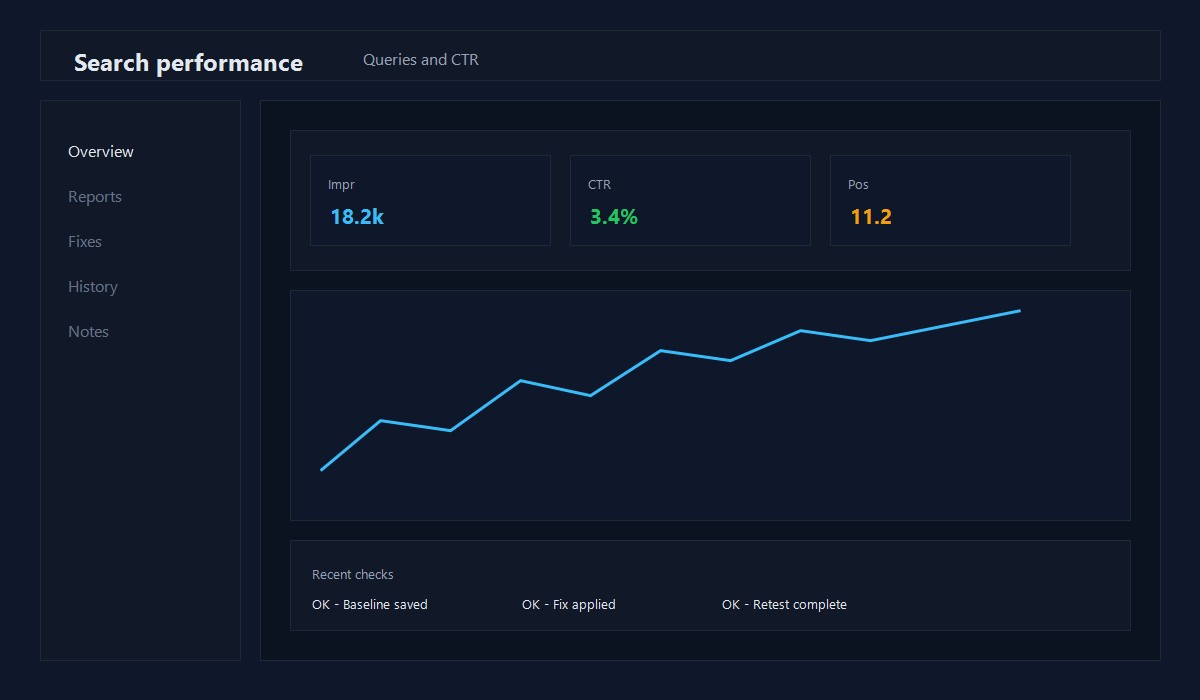
Illustration: Search performance summary view.
1) Setup checklist (do this first)
- Set a clean permalink structure (Post name)
- Install one SEO plugin and configure site title + meta
- Submit your sitemap in Search Console
- Verify your site uses HTTPS
- Set a clear About, Contact, and Privacy Policy page
If these are missing, your content will struggle to rank no matter how good it is.
2) Content checklist (match intent)
- Answer the query in the first 100-150 words
- Use short paragraphs and clear lists
- Cover the steps, not just definitions
- Add screenshots or examples when possible
- Include internal links to related posts
Good SEO starts with helpful content, not tricks.
3) On-page checklist
- One clear H1 that matches the target topic
- Use H2s that mirror real questions
- Write a meta description that summarizes the answer
- Add alt text that describes images
- Use descriptive URLs (no numbers or random strings)
4) Technical checklist
- Mobile layout is clean and readable
- Images are compressed and sized correctly
- Core Web Vitals are at least "Needs improvement"
- Pages are not blocked by robots.txt
- Canonical URLs are set for index pages
5) Authority checklist (lightweight)
- Link to your best related post from each new article
- Add 2-3 contextual internal links in the body
- Update older posts to link to new content
- Keep your About page accurate and visible
30-day starter plan
Week 1:
- Set up Search Console and submit a sitemap
- Fix broken links and missing metadata
Week 2:
- Publish 2-3 posts that answer clear questions
- Add internal links to your best existing posts
Week 3:
- Refresh the top 3 posts with better intros and structure
- Add one screenshot or example to each
Week 4:
- Review Search Console queries and update titles
- Fix any pages marked with errors or warnings
Common beginner mistakes
- Writing long intros that do not answer the question
- Using too many categories and tags
- Ignoring internal links
- Publishing thin posts just to fill the blog
- Forgetting to track results in Search Console
Quick checklist (copy/paste)
- Permalinks and HTTPS set
- Sitemap submitted
- About and Contact pages live
- Each post has a clear H1 and short intro
- Images compressed and sized
- Internal links added
- Search Console checked monthly
How to measure your SEO progress
Once you complete the checklist, you need a way to track whether your work is paying off. Check these numbers each month:
Traffic growth: Compare organic sessions in GA4 to the previous month. Even small gains of 5-10% monthly compound quickly over a year.
Indexed pages: In Search Console, check how many pages are indexed vs submitted. If the number of indexed pages stays flat while you are publishing new content, something is blocking crawlers.
Average position: Track your top 10 pages by impressions. If average position is improving from page 3 toward page 1, your content and links strategy is working.
Click-through rate: If a page gets high impressions but low clicks, your title tag or meta description needs work. Rewrite titles to be more specific and compelling.
You do not need expensive rank-tracking tools. Search Console and GA4 provide everything a beginner needs to measure SEO progress accurately.
FAQ
Do I need a paid SEO plugin?
No. A free plugin is fine if it lets you control titles, descriptions, and schema.
How many posts do I need before SEO works?
Quality matters more than quantity. Start with 10-15 strong posts and improve them.
Should I use categories or tags?
Use a few clear categories. Tags are optional and often not needed.
For technical improvements, see WordPress Performance Optimization in 2026.
Keep learning SEO:
Frequently asked questions
What is the most important SEO setting in WordPress?
Setting proper permalinks (Post name structure) is the single most important SEO configuration. Descriptive URLs help both search engines and users understand page content.
Do I need an SEO plugin for WordPress?
Yes. An SEO plugin like Yoast or Rank Math adds essential features like XML sitemaps, meta tag control, and content analysis that WordPress does not include natively.
How long does WordPress SEO take to show results?
New sites typically see initial organic traffic within 3-6 months. Competitive keywords may take 6-12 months. Consistent publishing and optimization accelerate results.
About the Author
Shoaib Zain
We test themes, plugins, and performance tactics to publish clear, trustworthy guides for WordPress and content sites.
Read more about us