Internal linking for topical authority (a simple system)
A practical internal linking system: pillars, supporting posts, and a repeatable linking checklist.

Internal linking is how you tell Google and readers which pages matter most. A simple system beats random links every time.
What you will build
- A clear pillar page
- Supporting posts that link to the pillar
- Contextual links inside each article
- A light audit you can repeat each month
Example screenshot (illustration)
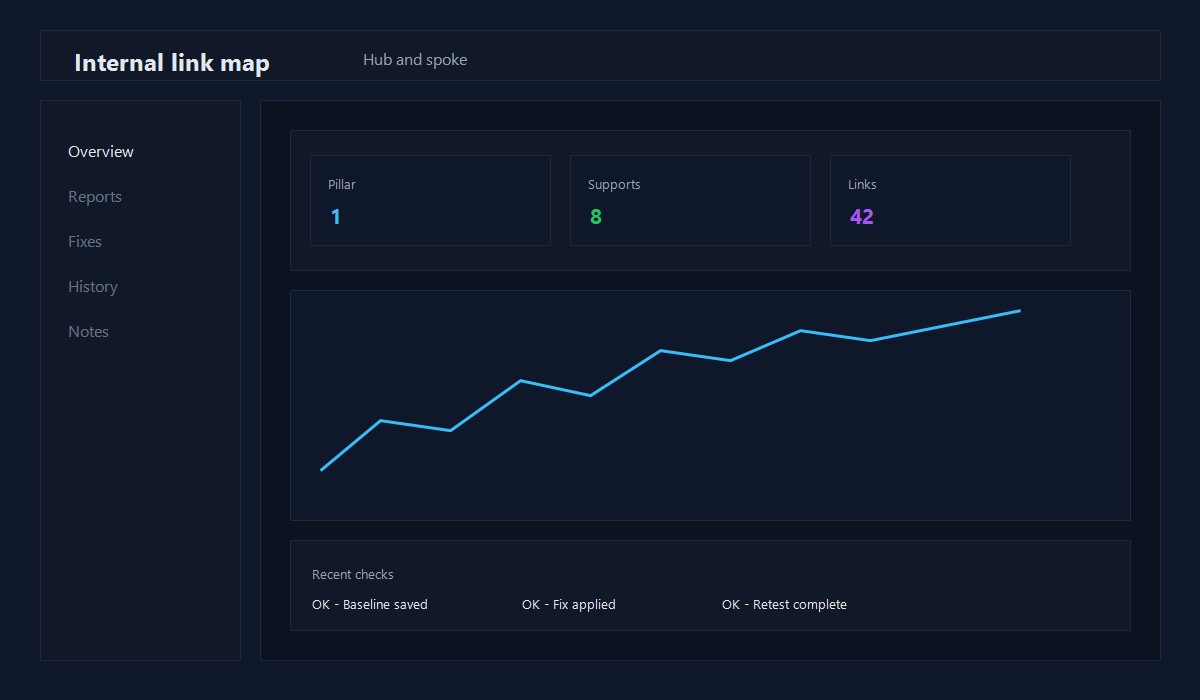
Illustration: Internal link map overview.
Step 1: Choose your pillar page
A pillar page is the main guide for a topic. It should be the best and most complete page in that cluster.
Example: "WordPress performance optimization" could be a pillar for all related speed posts.
Step 2: Create supporting posts
Supporting posts answer smaller questions and link back to the pillar. For example:
- Image optimization for WordPress
- Core Web Vitals quick wins
- Caching basics for WordPress
Each supporting post should link to the pillar near the top.
Step 3: Add contextual links
Links inside the body are the most valuable. Use short, clear anchor text.
Good: "image optimization checklist"
Bad: "click here"
Step 4: Update the pillar with links out
Your pillar should link to the best supporting posts. This creates a hub and keeps the cluster connected.
Step 5: Track and improve
Once per month:
- Check which pages get the most impressions
- Add 2-3 internal links to underperforming posts
- Fix any broken links
Simple linking rules
- Link from every supporting post to the pillar
- Add at least 2 contextual links per post
- Use descriptive anchor text
- Avoid linking the same exact anchor 10 times
Quick checklist
- [ ] Pillar page identified
- [ ] Supporting posts created
- [ ] Contextual links added
- [ ] Pillar links out to supports
- [ ] Monthly audit scheduled
Common mistakes
- Only linking in the footer or sidebar
- Using generic anchors like "read more"
- Linking to too many unrelated pages
- Forgetting to update older posts
Anchor text rules that keep links clean
- Use descriptive phrases, not generic text
- Keep anchor length under 6 words
- Avoid repeating the exact same anchor 10 times
- Link from paragraphs, not just lists
10-minute internal link audit
- Pick one post and scan for natural link opportunities.
- Add two links to related posts and one link to a pillar page.
- Update an older post to link back to the new one.
This small loop keeps your internal structure growing.
Link placement templates
Use these patterns inside the body:
- "If you are fixing X, start with [pillar topic]."
- "For the step-by-step checklist, see [support post]."
- "If your issue is speed related, read [performance guide]."
These make internal links feel natural and useful.
Link cleanup pass (monthly)
- Remove links to outdated posts
- Replace broken links
- Add one new internal link to each top post
This keeps the structure clean over time.
Where to find link opportunities
- Search your site for related topics and add a contextual link
- Review the "related posts" section and add the best 2 links inline
- Link back to newer posts from older high-traffic pages
Simple tracking log
Keep a short log for monthly reviews:
- Page updated
- Links added
- Target page
- Result after 30 days
This keeps the system measurable.
Link depth rule (simple)
Aim for key pages to be within 2-3 clicks from the homepage. If a page is buried deeper, add a direct link from a related hub or pillar.
Before/after example
Before: a support post has zero internal links. After: add a link to the pillar, one to a related support, and one to a checklist.
This small change improves crawl flow and reader navigation.
Anchor rotation strategy
Use 2-3 variations for the same target:
- Exact match
- Partial match
- Descriptive phrase
This keeps links natural while still clear.
Link insertion checklist
- Link appears in a relevant paragraph
- Anchor text matches the destination
- The link adds value to the reader
If any item fails, do not add the link.
Common mistakes
- Linking only in the footer or sidebar
- Using the same anchor text everywhere
- Linking to unrelated pages just to add links
Keep links purposeful and readers will follow them.
Quick recap
- Link supports to the pillar
- Use descriptive anchors
- Update older posts monthly
Consistency is the real advantage.
Original insight you can replicate
Example you can run on one existing post:
- Rewrite the first 120 words to answer the query directly.
- Add 2-3 internal links to related guides and update the title for clarity.
- Track impressions and CTR for 14 days in Search Console.
Decision rule: If CTR improves without losing impressions, roll the same pattern across similar posts.
FAQ
How many internal links should a post have?
2-6 is a good range for most posts, depending on length.
Should I link to category pages?
Only if the category page has real value and content, not just a list.
Do internal links help a new site?
Yes. They help Google discover and understand your content faster.
To plan topic coverage, see Topical authority content clusters.
Editorial note
This guide is reviewed by the WPThemeLabs editorial team and updated as tools and best practices change. See our editorial policy for how we research and maintain content.
Related Posts