Topical authority: build content clusters that actually rank
A step-by-step content cluster plan: pick a core topic, map subtopics, publish supporting posts, and link it all together.

Topical authority is built when you cover a subject deeply and connect the pages with clear internal links. A cluster approach makes this repeatable.
What a content cluster is
- Pillar page: the main, comprehensive guide
- Supporting pages: focused answers to specific questions
- Internal links: connect the supports to the pillar and back
Example screenshot (illustration)
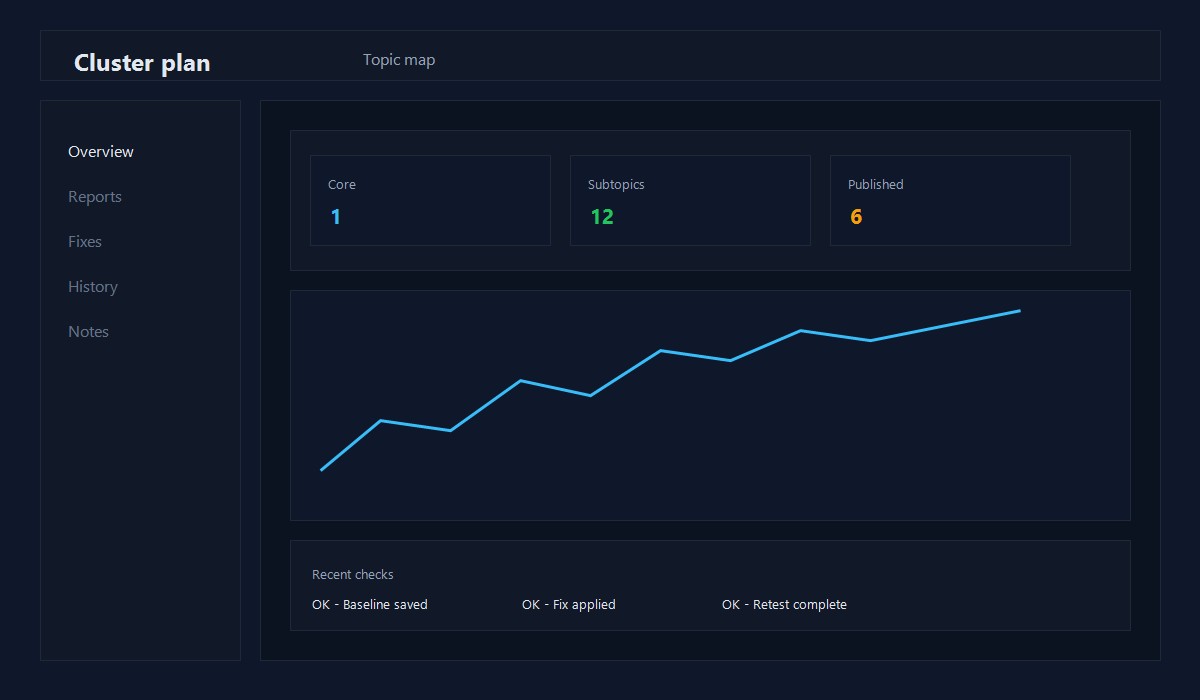
Illustration: Content cluster planning view.
Step 1: Pick a core topic
Choose a topic that matches your site and audience. It should be broad enough for 8-15 supporting posts.
Example core topics for WordPress sites:
- WordPress performance
- WordPress security
- WordPress migrations
Step 2: Map subtopics
List the smaller questions people ask. Use:
- Google autosuggest
- Related searches
- Your own support inbox
Turn each subtopic into a single post idea.
Step 3: Build the pillar page
Your pillar should:
- Answer the main query clearly
- Link out to the best supporting posts
- Be updated regularly
Step 4: Publish supporting posts
Each supporting post should:
- Solve one focused problem
- Link to the pillar near the top
- Link to 1-2 other supports where relevant
Step 5: Link the cluster together
Create a hub-and-spoke structure:
- Supports link to pillar
- Pillar links to supports
- Related supports link to each other
Step 6: Refresh and expand
Every 60-90 days:
- Update the pillar with new supports
- Improve the top 3 supports with clearer answers
- Add new supporting posts based on Search Console queries
Quick checklist
- [ ] Core topic chosen
- [ ] 8-15 subtopics mapped
- [ ] Pillar drafted and published
- [ ] Supports published and linked
- [ ] Cluster refreshed every quarter
Common mistakes
- Picking a core topic that is too broad
- Writing supports without linking back to the pillar
- Publishing thin pages just to fill the cluster
- Ignoring updates after publishing
Example cluster: WordPress performance
Pillar page: WordPress performance optimization
Supporting posts:
- Core Web Vitals quick wins
- Image optimization for WordPress blogs
- Caching basics for WordPress
- Plugin stack and performance tradeoffs
- CDN setup checklist
This cluster creates a clear hub-and-spoke structure that is easy to grow over time.
Publishing cadence that works
- Publish the pillar first
- Add 2 supporting posts per month
- Refresh the pillar every quarter with new links
Consistency beats volume. A steady cadence builds authority faster than a burst of thin posts.
Cluster scoring matrix
Score each subtopic from 1 to 5:
- Intent match (fits your audience)
- Depth (can you add examples or screenshots?)
- Link value (does it support the pillar?)
Prioritize the topics with the highest total score.
Avoid keyword cannibalization
If two posts answer the same intent, merge them. A single strong page beats two weak pages. Use the old URL as a redirect to protect any links.
Example 6-week cluster calendar
Week 1: publish the pillar page Week 2: publish support post #1 Week 3: publish support post #2 Week 4: update the pillar with new links Week 5: publish support post #3 Week 6: refresh the top two supports
This keeps the cluster alive and avoids long gaps.
Link placement plan
- Link from each support to the pillar in the first 3 paragraphs
- Add 2-3 cross-links between related supports
- Update the pillar with short summaries of each support
This structure helps both readers and search engines.
Cluster maintenance log
Keep a simple log:
- Date updated
- Pages touched
- New internal links added
- Query changes noted in Search Console
This log helps you track which updates move rankings.
When to merge posts
If two posts answer the same question, merge them. Keep the stronger URL and redirect the weaker one. It reduces thin pages and improves authority.
Content gap audit
Once per quarter, run a quick gap check:
- List your top 5 cluster topics
- Note missing subtopics or FAQs
- Add one support post per gap
This keeps clusters complete and competitive.
Cluster performance signals
- Pillar page impressions up
- Supports gaining long-tail queries
- Internal clicks between cluster pages
If these are flat, refresh the pillar and add new supports.
Common pitfalls
- Publishing supports without linking to the pillar
- Spinning out too many subtopics at once
- Ignoring updates after the initial publish
Fix the basics and the cluster will grow naturally.
Quick recap
- Start with a strong pillar
- Publish focused supports
- Link everything together
Authority grows from structure, not volume.
Original insight you can replicate
Example you can run on one existing post:
- Rewrite the first 120 words to answer the query directly.
- Add 2-3 internal links to related guides and update the title for clarity.
- Track impressions and CTR for 14 days in Search Console.
Decision rule: If CTR improves without losing impressions, roll the same pattern across similar posts.
FAQ
How many posts do I need for a cluster?
Start with 6-8 strong posts, then grow over time.
Can I build clusters on a small site?
Yes. A small site can still become the best source for a focused topic.
Do I need a separate category page for each cluster?
Not necessarily. A strong pillar page usually does the job.
For internal linking rules, see Internal linking for topical authority.
Editorial note
This guide is reviewed by the WPThemeLabs editorial team and updated as tools and best practices change. See our editorial policy for how we research and maintain content.
Related Posts